Plugin Repo
Cloud
AI Developed
Turn the Prusa CORE One chamber light on and off from OctoPrint, with optional brightness control through Prusa Connect.
Turn the chamber light of a Prusa CORE One on and off from OctoPrint, and optionally set its brightness.
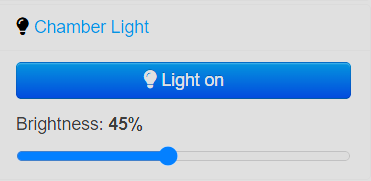
- A lightbulb button in the navbar and a Chamber Light panel in the sidebar.
- On/off is sent to the printer over USB using
M151, based on how the Buddy firmware handles its chamber LED strip. No account or internet access is needed. - If the printer is power cycled while the light is off, the plugin turns it off again when OctoPrint reconnects.
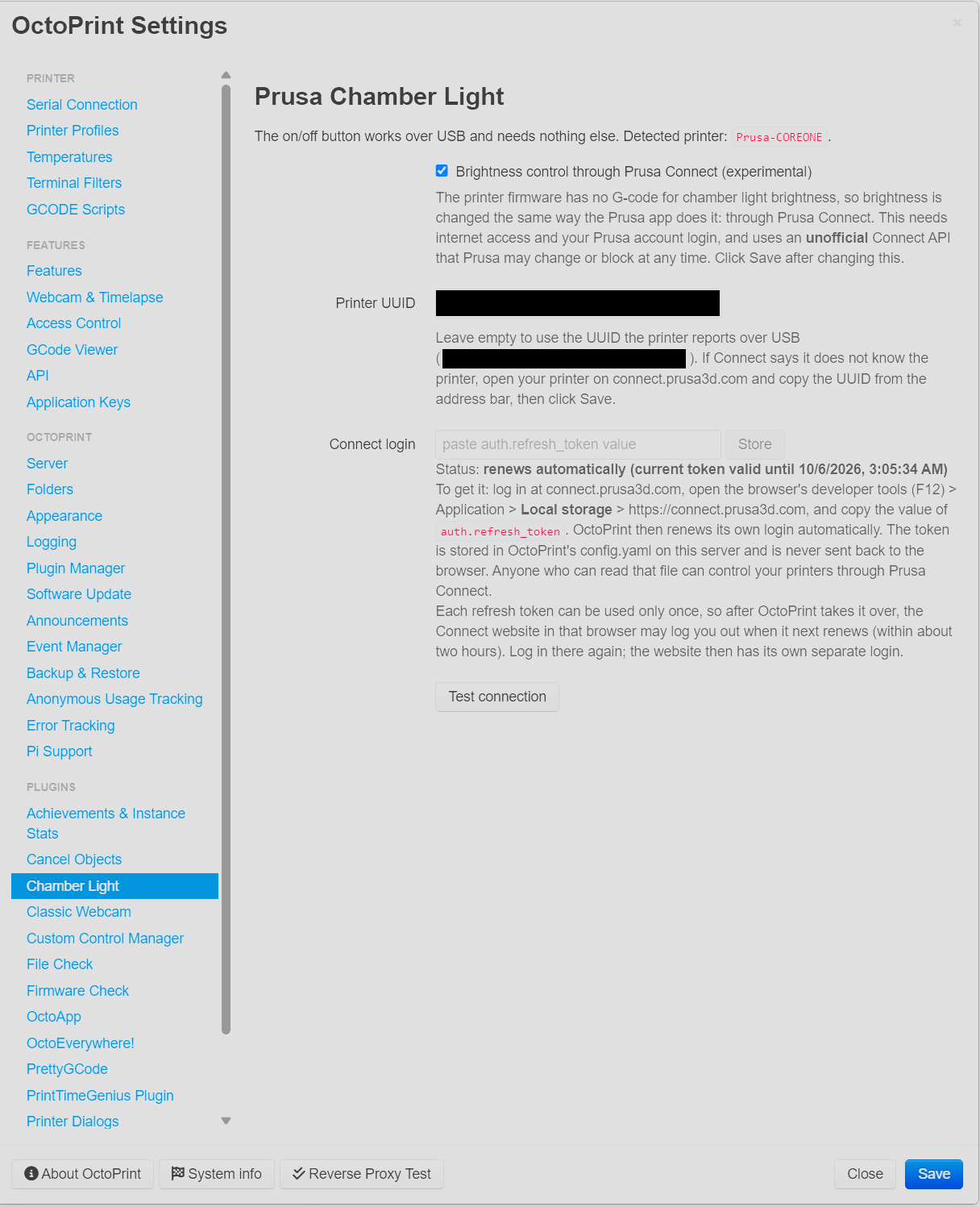
- Optional and experimental: brightness (0–100 %) through Prusa Connect, the same way the Prusa app sets it. The firmware has no G-code for brightness. This uses Prusa Connect’s unofficial web API and a login token from your Prusa account, so it needs internet access and may stop working if Prusa changes the API.
Tested with a CORE One on firmware 7.0.0, on OctoPrint 1.11.8 and 2.0.0rc5. Not affiliated with Prusa Research.
See the README for setup and details.
Pictures