Plugin Repo
Remote OctoPrint access with live H.264 video via BitBang WebRTC. No account, no port forwarding, one shareable link.
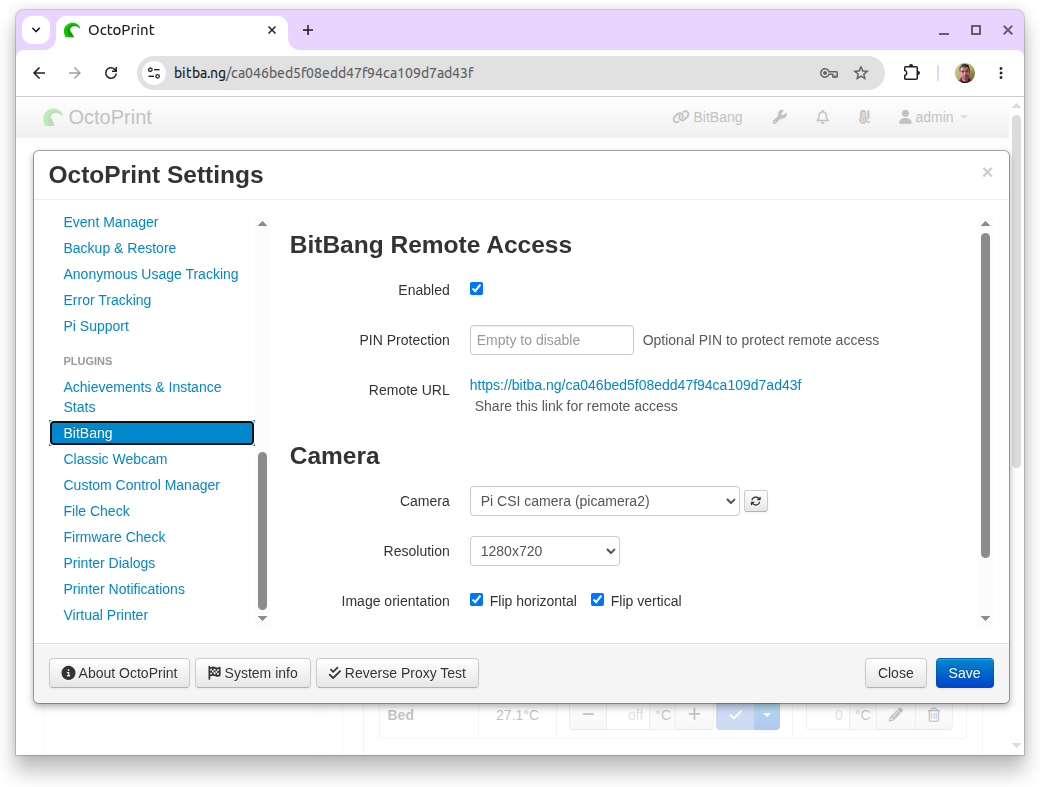
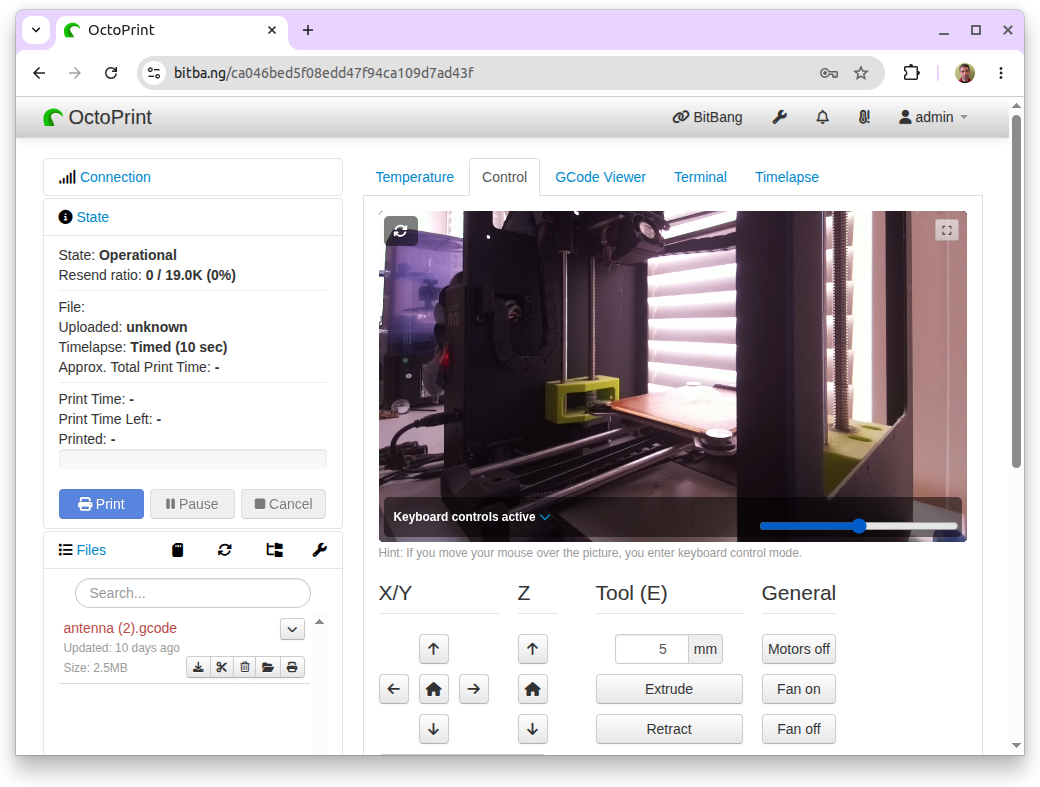
OctoPrint-BitBang gives you full remote access to your OctoPrint instance — including live H.264 video — over a single secure HTTPS shareable link. It uses BitBang to create a peer-to-peer connection that requires no account, no subscription, no port forwarding, no tunnel, and no VPN.
What you get
- Full remote access: Configure, upload G-code, start jobs, see live video — from anywhere, through a secure HTTPS URL.
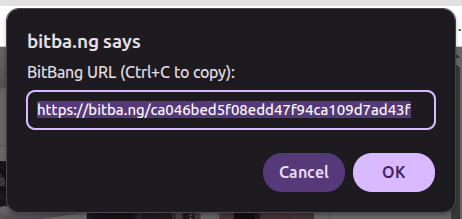
- One link, no account set-up: Share the URL, share your printer.
- Live H.264 video: Hardware-encoded on Pi 4 (
/dev/video11V4L2 M2M), software-encoded on Pi 5 or any other Linux host. Packetized by aiortc and delivered as a WebRTC media stream. CPU footprint is around 40% (single core) on Pi 4. - BitBang URL access is optional: Video streaming also works with local-network URL access.
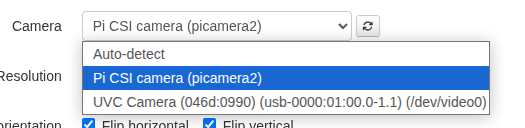
- Pi CSI camera or USB webcam: Auto-detected (IMX477, IMX219, IMX708, or any V4L2-capable USB webcam).
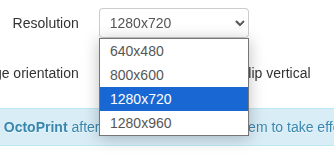
- Camera controls: Camera selection, live brightness slider, fullscreen button, image flip H/V buttons, and resolution selection (VGA up to 720p).
- Snapshots and timelapse: Integrates with OctoPrint’s
WebcamProviderPluginAPI — snapshots are grabbed from the live stream, so no second camera pipeline to configure. - Mobile friendly: BitBang URL works on phones and tablets.
- PIN protection: Optional PIN required to access the remote URL.
Prerequisites
A few OS-level steps before installing (full details in the README):
Free the camera from OctoPi’s default streamer:
sudo systemctl disable --now webcamd ffmpeg_hls camera-streamer
32-bit Raspberry Pi OS (armv7l, the standard OctoPi image) also needs aiortc and pylibsrtp rebuilt once against the system libraries, since its piwheels builds link newer libraries than Bookworm ships:
sudo apt install -y libvpx-dev libopus-dev libsrtp2-dev
~/oprint/bin/pip install --no-binary aiortc,pylibsrtp --force-reinstall --no-deps aiortc==1.10.1 pylibsrtp==1.0.0
64-bit and x86_64 need nothing further.
How it works
- The
bitbang-pythonpackage handles WebRTC signaling, identity, and the ASGI interface. - This plugin wraps it with OctoPrint integration: settings UI,
WebcamProviderPluginhooks, camera auto-detect, CSRF-safe cookie handling, and a webcam-provider template that renders the H.264<video>in OctoPrint’s Control tab. - The
bitba.ngcloud acts purely as a signaling relay to broker a direct peer-to-peer connection. If a direct connection isn’t available,bitba.ngwill use TURN instead.
Privacy
The plugin connects through the bitba.ng cloud signaling service to broker peer-to-peer connections. bitba.ng sees only your public key, derived UID, and connection metadata — not your video or OctoPrint traffic. Once peers connect, media and HTTP flow over an encrypted WebRTC channel directly. If a direct connection cannot be established, bitba.ng may relay the encrypted stream via TURN; it still cannot decrypt the contents.
See the full privacy policy for details and opt-out instructions.
Supported hardware
- Raspberry Pi 4 — hardware H.264 via V4L2 M2M; tested with IMX477, IMX219
- Raspberry Pi 5 — software H.264 via picamera2’s
LibavH264Encoder; 720p@30 comfortably - Generic Linux PC / laptop / SBC with webcam — software H.264 via aiortc
- USB webcams — any device that offers a V4L2 capture format; aiortc software-encodes to H.264
Credits
Built on aiortc, picamera2, and the bitbang-python library.
Pictures