Plugin Repo
AI Developed
Schedule a print by choosing the time it should finish. Powers the printer on through PSU Control.
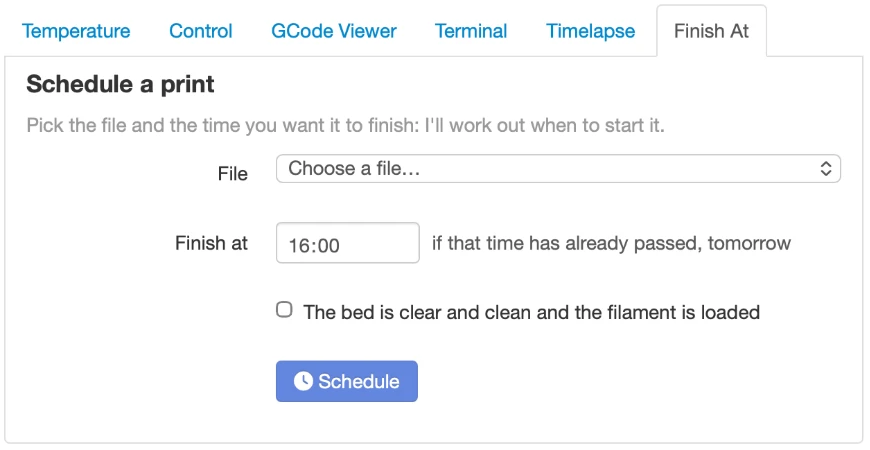
Finish At starts a print so that it finishes at the time you choose.
Pick a file, type the finish time (for example 16:00), and the plugin works out when to start from the slicer’s estimate in the G-code, plus a safety margin and the heat-up time. At start time it powers the printer on through PSU Control if installed, waits for it to connect and starts the print.
Safety first: you must confirm that the bed is clear before scheduling, and the print does not start if the printer is busy, does not connect, or OctoPrint missed the start time.
Optional notifications through the Telegram plugin.
Available in English and Italian.
Pictures