Plugin Repo
Open the webcam feed in fullscreen mode with extra details about the printjob
Fullscreen Webcam
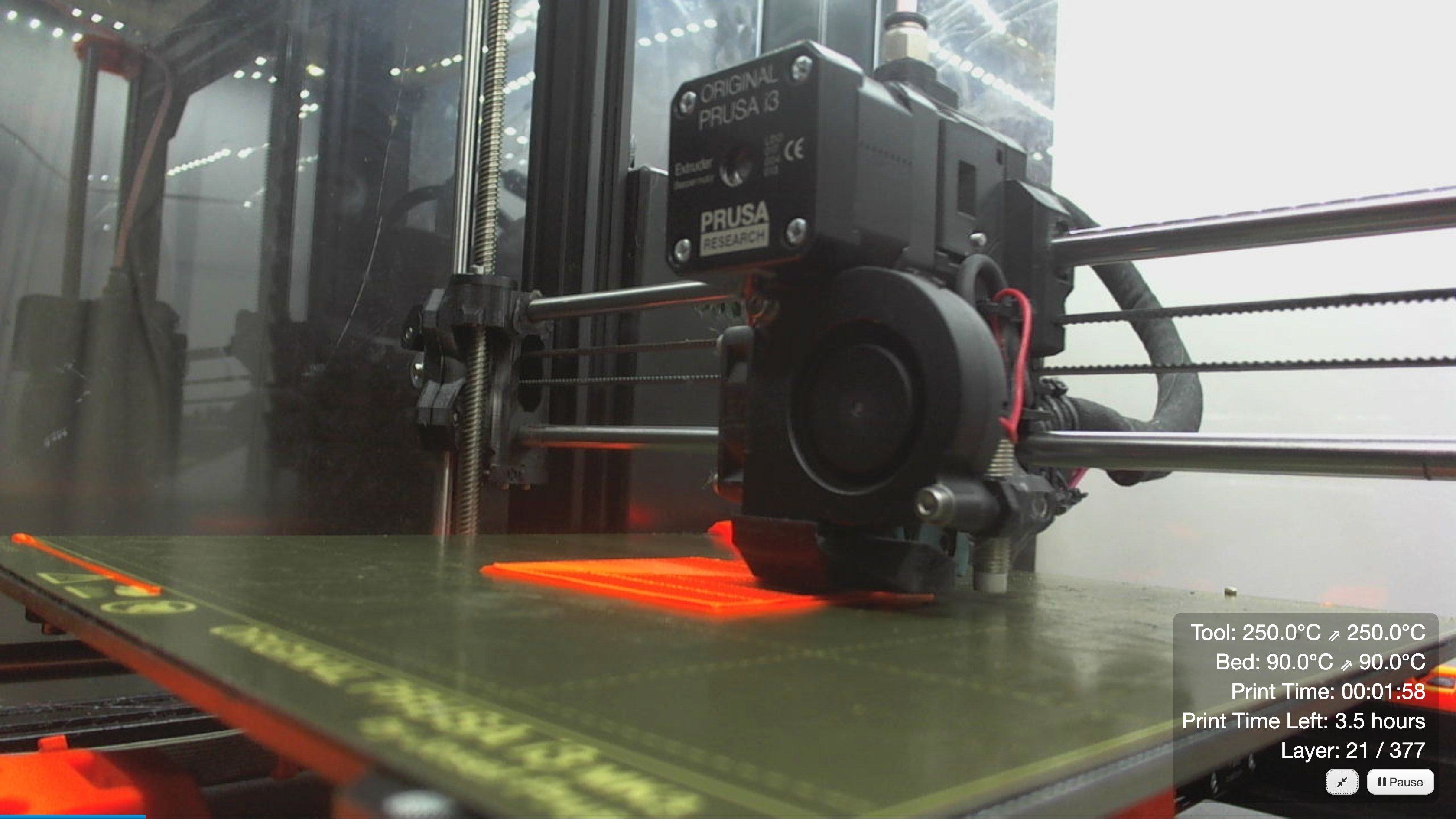
This plugin will allow you to open the webcam feed in fullscreen mode by double clicking the image. It will show a progress bar at the bottom of the feed and an overlay containing information about print time, remaining time, temperatures and a pause button.
If the DisplayLayerProgress plugin is installed, it will also display the layer progress.
Features
- Draggable Information overlay: Displays print information including:
- Print time elapsed
- Print time remaining
- Tool temperatures (actual and target)
- Bed temperature (actual and target)
- Layer progress (if DisplayLayerProgress plugin is installed)
- Progress bar: Shows print progress at the bottom of the fullscreen feed
- Double-click webcam to fullscreen: Double-click the webcam feed to open it in fullscreen mode
- Fullscreen toggle button: Button to switch between maximized and true fullscreen modes
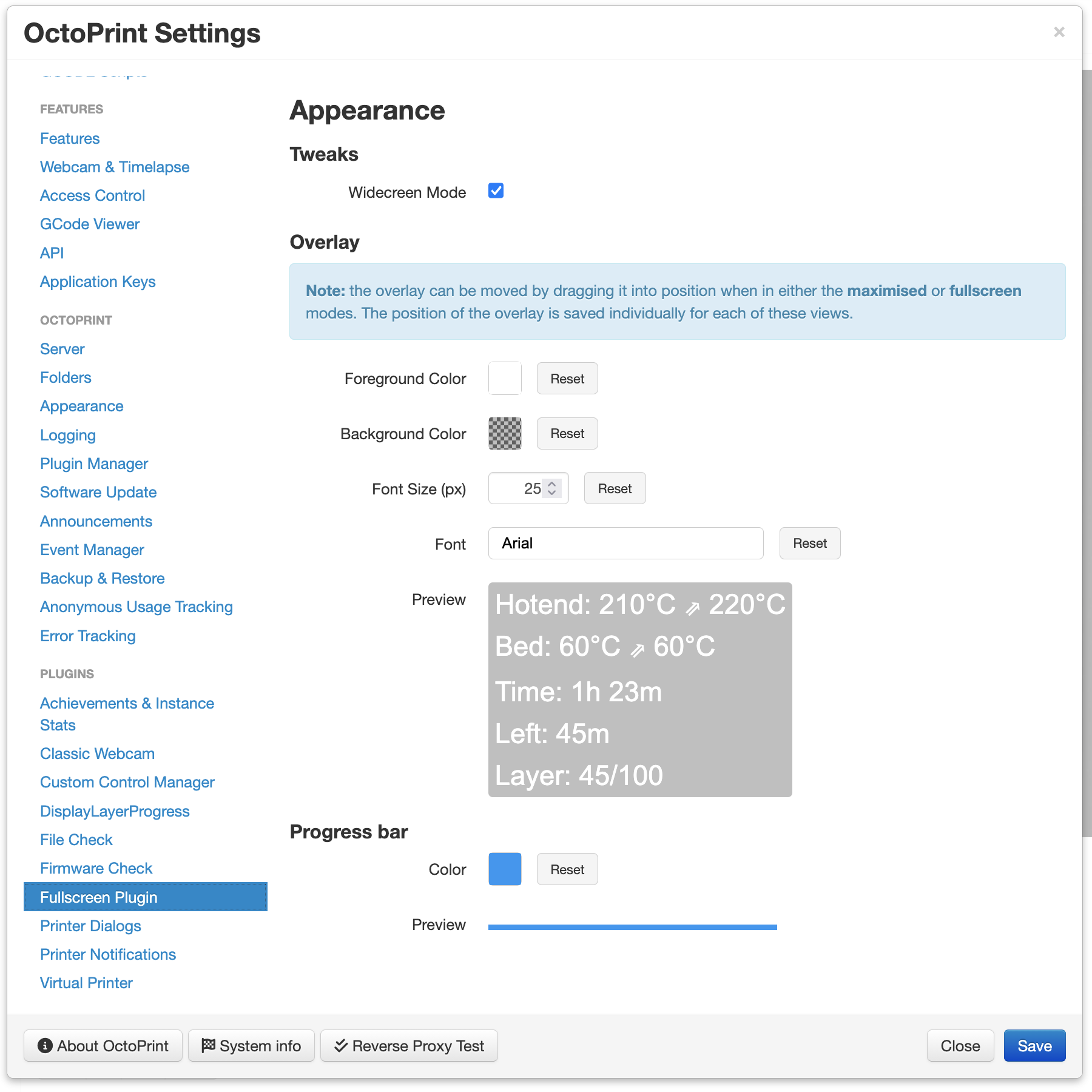
- Font size adjustment: Font size can be changed in the settings dialog
- Font family selection: Choose from multiple font families including monospace, serif, and sans-serif options
- Color adjustments: Foreground, background and progress bar colors can be changed in the settings dialog
- Widescreen mode: Toggle to enable widescreen mode
- Pause/Resume button: Click to pause/resume your print
- Preview in settings: See how the overlay and progress bar will look before saving
Pictures